Checking the Supplied Components
Your Starter Pack contains three Transmitter-Sensors, but Notion Lite can handle up to 30 Transmitter-Sensors, depending on the subscription purchased.
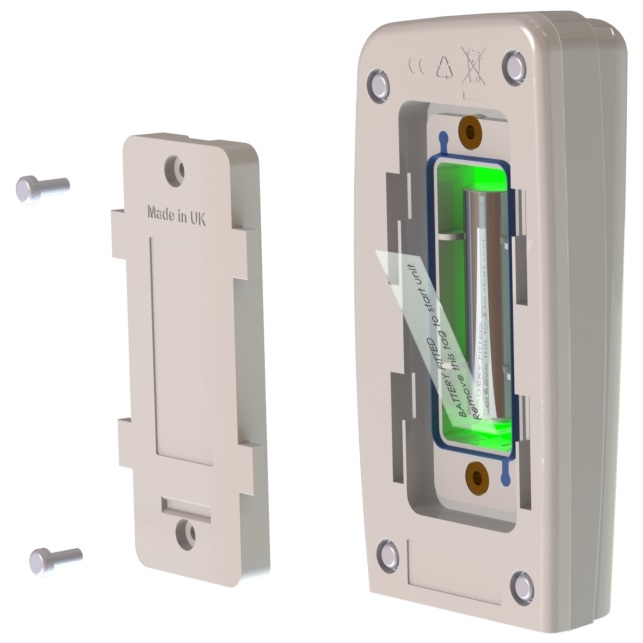
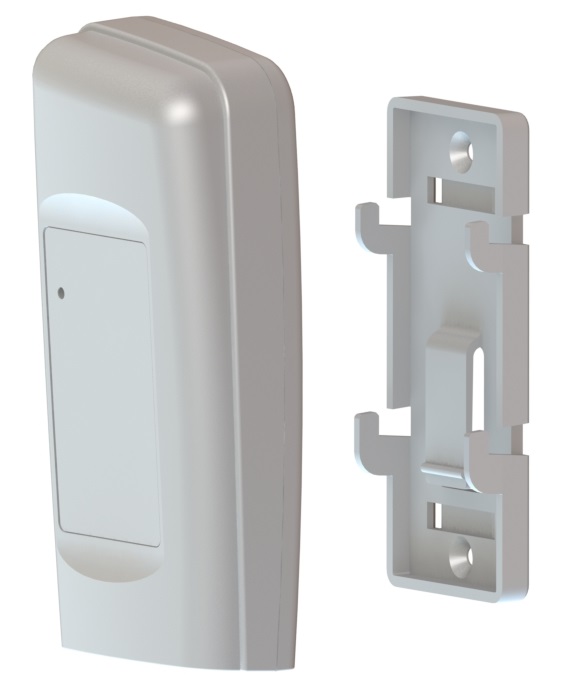
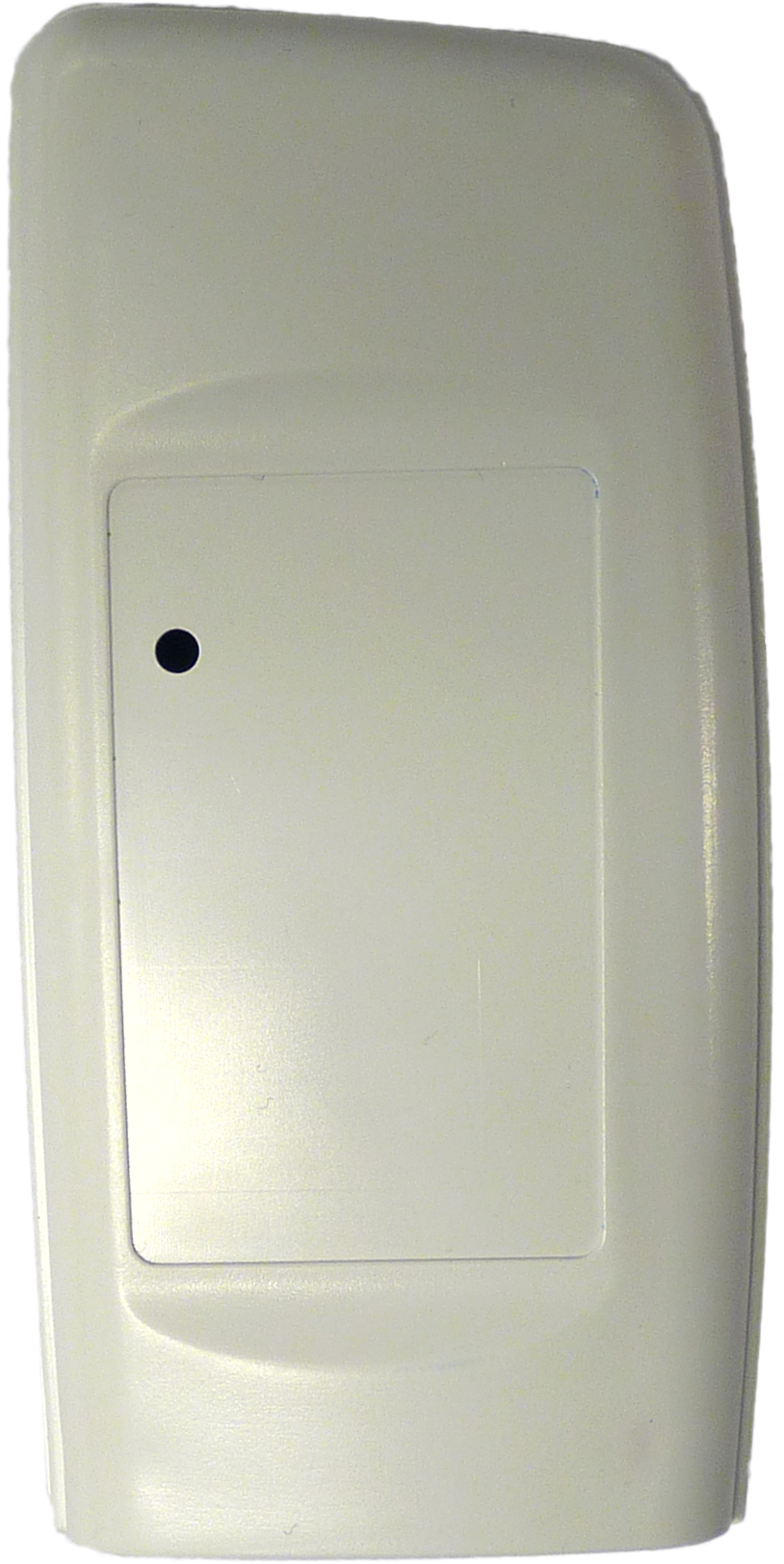
•If you have ordered another Transmitter-Sensor, make sure the following components are in the box. Note that some of the components listed here are optional, you may not have ordered all of them.
Transmitter-Sensor Unit |
|
|
Wall mounting bracket for Transmitter-Sensor |
|
|
Optional Items |
||
Door Switch parts |
|
|
Set of cables for remote probe and/or door switch options |
|
|
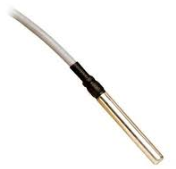
Remote temperature probe (wall mounted Transmitter-Sensor only). |
|
|


The 1.5V Lithium AA battery supplied with the Transmitter-Sensor will work over the range -30°C to +50°C. 1.5V AA alkaline can be used but will have a reduced life and a reduced operating temperature range of 0°C to +40°C. See also Transmitter-Sensor Battery.
Installing a Transmitter-Sensor
Before you carry out this procedure, you must register the Transmitter-Sensor as part of the Notion Lite registration process. See instructions on the box/Getting Started Guide for more details.
As far as possible, the Transmitter-Sensor units should be placed where they will not be subject to electromagnetic interference and where they will not be shielded by walls, doors, furniture, appliances etc.
| Note: | The procedure below must be followed for each Transmitter-Sensor that you are installing. |
Install Step |
Notes |
|---|---|
1.If you are NOT using the door switch option with this Transmitter-Sensor, go to Step 2 below. Secure a matching pair of door switch sensor pads to the door and door frame of your refrigerated/frozen storage unit. |
•If you intend to the lay the Transmitter-Sensor loosely in the storage unit, ensure that you position the door frame sensor pad such that the cable running from the pad runs into the storage unit. •If you intend to wall-mount the Transmitter-Sensor, ensure that you position the door frame sensor pad such that the cable running from the pad runs outside of the storage unit. •Ensure that the pads meet perfectly when the door is closed. |
2.Pull away the contact tag on the Transmitter-Sensor to ensure the battery contacts and the Transmitter-Sensor contacts meet. |
•A green flashing light comes on. This is normal and indicates that the Transmitter-Sensor has not been configured yet. (See Configure Transmitter-Sensors for details of how to set up the Transmitter-Sensors.) •The Transmitter-Sensors are powered by 1 x 1.5V Lithium AA cells. Standard AA cells can be used, but are not recommended. |
3.If you do not intend to wall-mount your Transmitter-Sensor, go to Step 11 below. |
(Transmitter-Sensor is lying loosely in your storage unit.) |
4.Drill holes for the Transmitter-Sensor wall mounting bracket into the wall at an appropriate location. |
When mounting the Transmitter-Sensor bracket, you should bear in mind that, if you are using the door switch and/or external sensor options, you will need to run cables from the Transmitter-Sensor to your storage unit door frame sensor pad and/or external sensor. |
5.Screw the mounting bracket to the wall. |
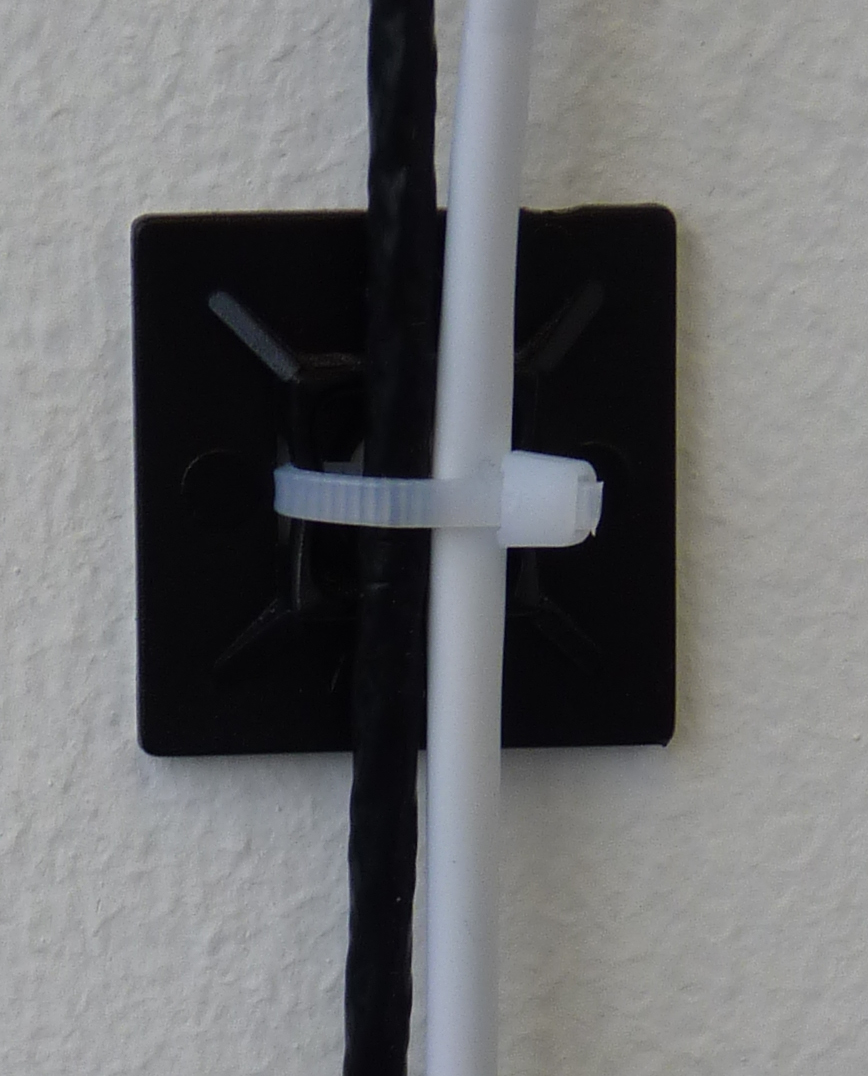
As an alternative, the Transmitter-Sensor bracket could be attached to a suitable post using cable ties. Slots are provided in the bracket for this purpose. |
6.Slot the Transmitter-Sensor into the wall bracket. |
|
7.If you are using the door switch option with this Transmitter-Sensor, route the storage unit door frame sensor pad cable up to the Transmitter-Sensor. |
|
8.If you are NOT using the external sensor option, go to Step 11. |
|
9.Place the external temperature probe and associated cable at a suitable position in your storage unit. |
|
10.Route the temperature probe cable over the door frame and up to the Transmitter-Sensor. Insert the cable into the Transmitter-Sensor. |
|
11.Repeat Steps 1 - 10 above for each Transmitter-Sensor that you are adding. |
|
12.Use Notion Lite to set up the Transmitter-Sensors for use. |